


Featured
Kiss Live Chat
WebiOS
Per the app: Video chat 1-on-1 on the web or with the iPhone app.
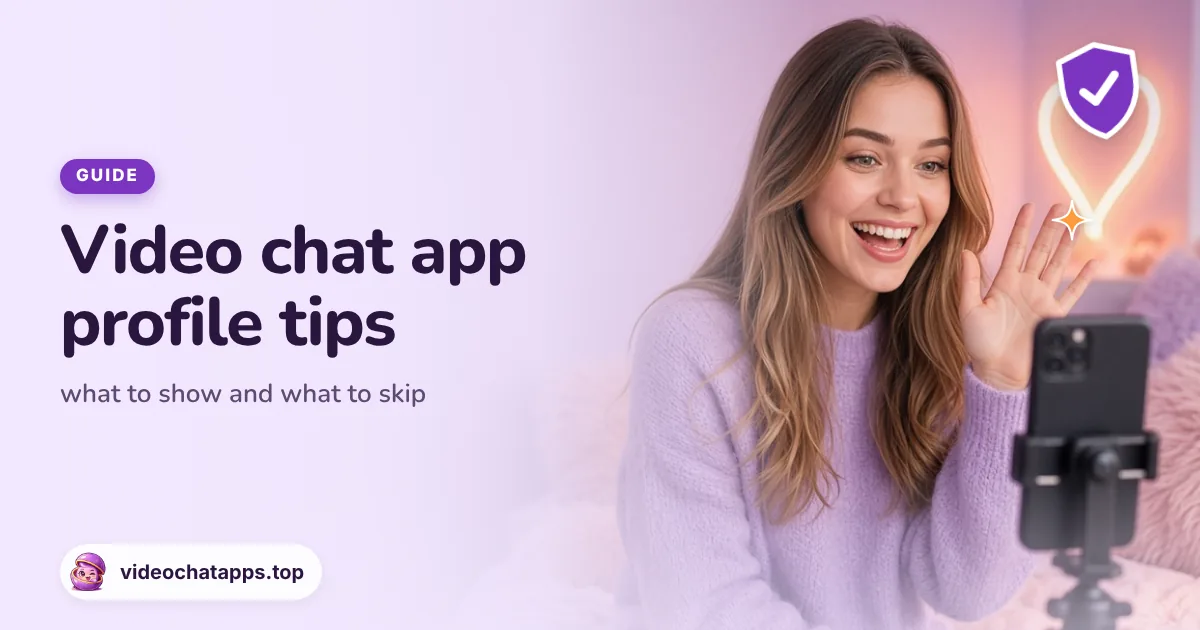
Apps with profiles, such as Azar’s lounge or Kiss Live Chat’s online lists, show something about you before you say a word. A good profile is warm and brief and gives nothing away that you would not tell a stranger on a bus.
| Show | Skip |
|---|---|
| A first name or nickname | Your full name or username used elsewhere |
| A photo without identifying background | Photos with school, workplace, street signs or documents |
| A broad interest (music, a game, travel) | Daily routine, school, workplace, address |
| A short, friendly line | Links to social media or phone numbers |
A first name or nickname is enough.
Where it is optional, a neutral photo or none is the safer choice.
Read what is collected and why before you continue; skip apps that ask for more than they need.
Video chat apps we feature.
WebiOS
Per the app: Video chat 1-on-1 on the web or with the iPhone app.

iOS
Per the app: iPhone party rooms: video chat plus question & challenge cards.

iOS
Per the app: iPhone video chat with real-time translation and moderation.
Featured = our editorial picks, shown first.How we pick