


Featured
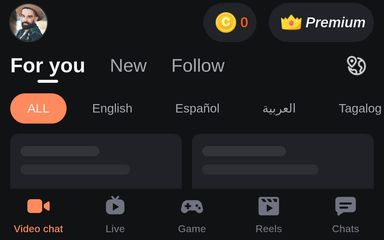
Kiss Live Chat
WebiOS
Per the app: Video chat 1-on-1 on the web or with the iPhone app.
On a computer you have two options: a native app or a browser tab. Only some services offer both. This table shows what each says about desktop and web support, so you can pick without hunting.

| Service | Desktop app | Browser | Phone apps |
|---|---|---|---|
| Paltalk | macOS and Windows | Yes | iPhone, Android |
| Chatroulette | None found | Yes | iPhone, Android |
| OmeTV | None found | Yes | Android |
| Monkey | Web version for desktop (per the site) | Yes | Android |
| Kiss Live Chat | None found | Yes | iPhone |
| Emerald Chat | None found | Yes | None found |
| Camfrog | None found in our sources | Not found | iPhone |
Paltalk lists macOS and Windows apps.
Not for browser-based sites such as Chatroulette or OmeTV.
Not by itself; it depends on the service and what you allow.
Video chat apps we feature.
WebiOS
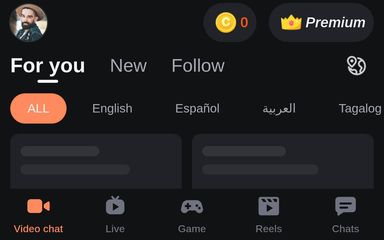
Per the app: Video chat 1-on-1 on the web or with the iPhone app.

iOS
Per the app: iPhone party rooms: video chat plus question & challenge cards.

iOS
Per the app: iPhone video chat with real-time translation and moderation.
Featured = our editorial picks, shown first.How we pick