


Featured
Kiss Live Chat
WebiOS
Per the app: Video chat 1-on-1 on the web or with the iPhone app.
Live translation changes what an international video call feels like. Without it, two people who do not share a language may rely on gestures or a second phone. With it, speech can become translated subtitles while the conversation continues. The catch: “translation” does not always describe the same technology.
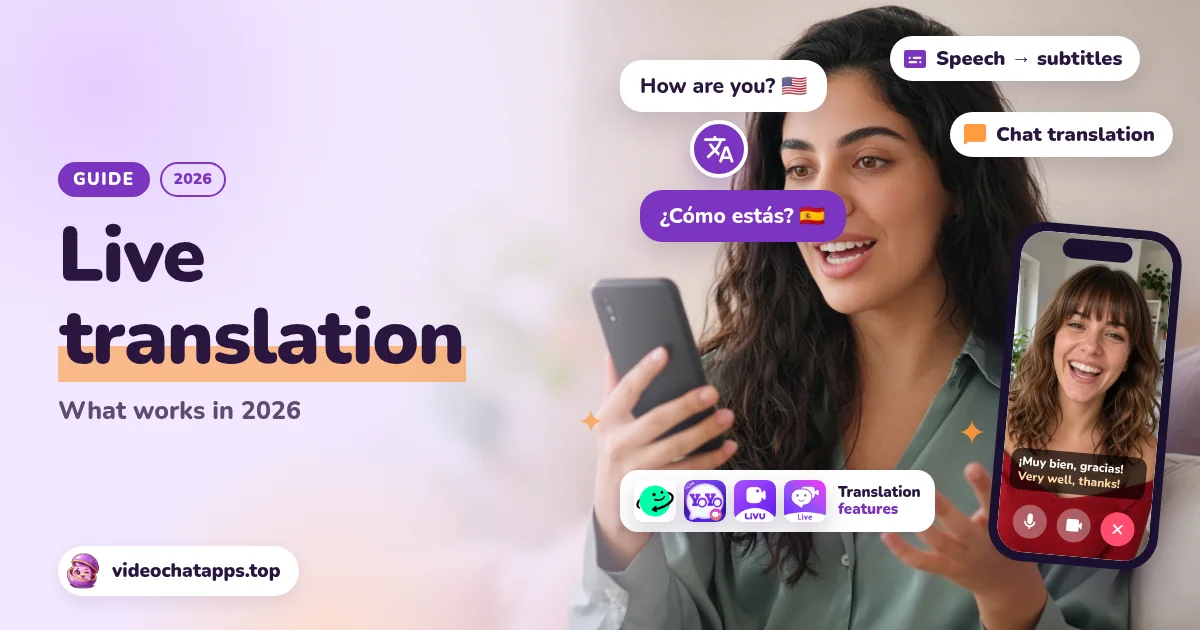
This page looks at how live translation is usually delivered (subtitles, chat translation, or a paid add-on), and at typical limits. It is not a second inventory of store quotes. For a source-quoted table of what each app currently says it translates, see video chat apps with real-time translation. A broader store-listing comparison is in our best video chat apps guide.
One app may translate spoken words into captions. Another may translate typed messages only. A third may offer translation on mobile but not in its browser version. Comparing them as if they all do the same thing can be misleading.
| Feature | What it helps with | Common limitation |
|---|---|---|
| Speech-to-subtitle translation | Spoken words appear as translated text | Delays and transcription errors |
| Text-message translation | Typed conversations across languages | Does not translate the live spoken call |
| Interface localization | Menus appear in your language | Does not help you understand the other person |
| Live interpreter or voice dubbing | Spoken output in another language | Rarely equivalent to simple subtitle tools; verify support |
Ask which of these the product actually provides rather than trusting the phrase “AI translation.”
Azar has particularly specific documentation. Its Live Translation help article explains a three-part process: the app recognizes your speech, translates the resulting text and displays subtitles. Azar notes that operation and availability may vary by device or operating system.
This can be useful for international matching when you can speak naturally but need help understanding the response. It is not a professional interpreter. Names, fast speech, local slang and technical vocabulary can still be wrong.
Azar also describes consent controls for speech processing in its help documentation. Read those controls if language processing is an important privacy consideration for you.
YOYO describes real-time translation in its product materials. Its appeal is not just converting words but making conversations between people from different regions less difficult to start.
Before relying on a specific feature, verify whether translation is available in the web or app experience you intend to use. Check whether the translation applies to messages, video calls or both, and whether there is a language selection step.
LivU advertises translation alongside its international video chat experience. As with other mobile-first services, confirm the current app listing and supported modes. Do not assume a feature shown in a screenshot is universally available without payment or in every country.
If you are choosing between LivU and another established name, our Azar vs LivU comparison covers their broader differences.
Kiss Live Chat is a profile-led social video option that describes language and real-time translation features in its product material. Its value may be in combining language-aware discovery with actual conversations.
The sensible check is the same: test the particular chat mode you want and confirm pricing before assuming translation is included without limits.
Chatrandom's help center refers to a translation setting. That does not, by itself, establish that every spoken sentence in a webcam call will be converted into live translated subtitles. If live speech translation is non-negotiable, verify the exact behavior in the current interface first.
This distinction matters more than a long list of app names. A feature that translates typed chat is useful, but it is not a replacement for spoken subtitle translation.
Use short sentences. A sentence with one idea is easier to transcribe and translate than a thirty-second story.
Reduce background noise. Music and multiple speakers can make transcription harder. Headphones help when your microphone would otherwise pick up the other person's audio.
Avoid slang at first. Try “What do you like to do on weekends?” before idioms that may not translate naturally.
Repeat sensitive details. If you share a date, number or place name, type it as well. Do not rely on automatically translated captions for financial, legal or medical decisions.
Allow a small pause. Subtitles may trail behind speech; talking over each other creates more confusion.
Speech translation often involves speech recognition and processing of spoken content. Check whether the provider describes the retention of audio, transcripts or subtitles; whether it offers a way to withdraw consent; and whether the feature requires additional permissions. Read the provider's privacy notice rather than relying on an article's general summary.
For more ways to meet people internationally, see video chat apps to meet people from other countries.
Azar explicitly documents live speech-to-subtitle translation. Other apps advertise translation features but you should verify whether they cover live speech or text messages.
No universal coverage should be assumed. Available languages and quality depend on the specific product and version.
Pricing and eligibility vary. Check the active subscription tier or in-app feature screen before relying on the service.
It can lower the barrier to a casual conversation but will miss nuance and sometimes misunderstand words. Treat it as support rather than a perfect interpreter.
Bottom line: Choose by translation mode, not marketing label. If you need spoken subtitles, look for explicit speech-to-subtitle documentation. If you only need messages translated, your options are broader.
Video chat apps we feature.
WebiOS
Per the app: Video chat 1-on-1 on the web or with the iPhone app.
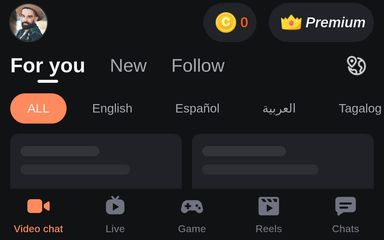

iOS
Per the app: iPhone party rooms: video chat plus question & challenge cards.
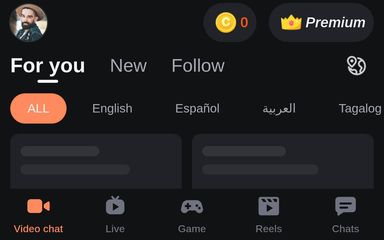

iOS
Per the app: iPhone video chat with real-time translation and moderation.
Featured = our editorial picks, shown first.How we pick