


Featured
Kiss Live Chat
WebiOS
Per the app: Video chat 1-on-1 on the web or with the iPhone app.
You search for “random video chat no download,” open a promising result, and discover the first button leads to an app store. It happens because websites often mix up three separate claims: no installation, no registration and no payment. A site can satisfy one while failing the others.
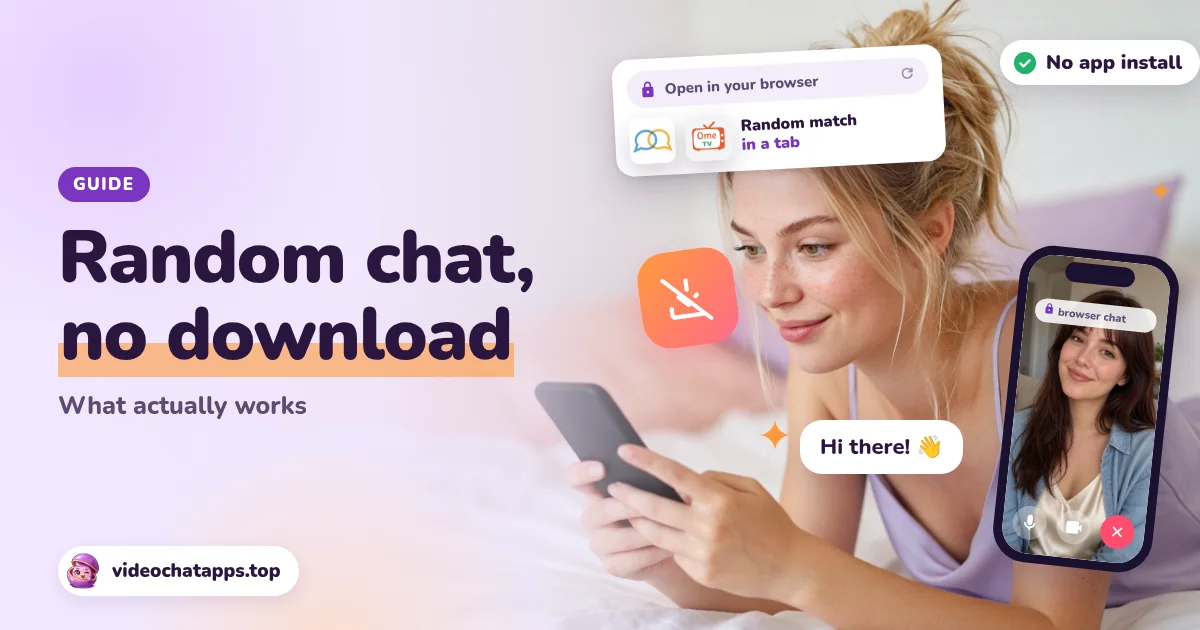
This guide focuses on starting in a browser without installing software. It is not the same as joining without an account, and it is not a full app-versus-web feature comparison. Those are covered in random video chat apps with no sign-up and video chat apps with a web version.
A genuine browser-based experience lets you start from a web page on a compatible device. You may still need to approve your camera and microphone, confirm your age, sign in or pay to use certain controls. Here is a practical way to separate the options.
| Claim | What it usually means | What it does not mean |
|---|---|---|
| No download | The call or matching experience is available in a web browser. | Every browser and device is supported. |
| No sign-up | Guest access may be available. | No age checks, cookies or usage limits. |
| Free chat | A basic mode can be used without paying. | Free gender filters, private calls or premium features. |
Before granting camera access, look for an actual “start” or “join” control on the website. If you land in an app-store listing with no web option, the service does not meet your no-install requirement on that device.
Chatrandom is one of the clearer examples of browser-first stranger video chat. Its help center says most users can enter as guests and use basic random chat for free. Selective gender and location filters are part of the Plus offering, so clicking a filter may take you to an upgrade prompt.
It also offers text-only participation. That can help when you want to check a service's environment before turning on video. Be aware that text-only does not mean you will be matched in exactly the same way as webcam users.
Best when: your priority is immediate random conversations rather than selecting a profile.
OmeTV is known for connecting strangers in live video conversations. Start by checking whether your browser and current region can access the service; account or verification behavior can change. Its published rules prohibit harassment, explicit exposure and promotion, and it has reporting mechanisms.
Do not assume a “next” button is a safety guarantee. You can leave a bad interaction quickly, but it is still possible for another participant to record the screen or ask for private information.
Best when: you want spontaneous, short conversations and are comfortable with randomness.
Kiss Live Chat offers a browser-accessible way to explore people and live chat options. That is not necessarily the same thing as a pure stranger roulette. It can suit someone who wants more choice before starting a call.
Paltalk is better understood as a room-based conversation service. It is useful if your real goal is to meet people online without installing something new, rather than to get a new stranger every few seconds.
For a broader selection, visit our Omegle-style app alternatives. Omegle itself closed in 2023; names using “Omegle” today should not be assumed to be official successors.
Step 1: Open the official domain. Search results and social posts can lead to imitation sites. Read the address bar before you enter details or pay.
Step 2: Decide whether you need a camera. Some services permit text chat; others require video. Do not grant permission if you are not comfortable with the site's terms.
Step 3: Check the permission request. Chrome and Safari ask for website access to your camera and microphone. You can change or revoke the permission later in the browser settings.
Step 4: Check pricing before filters. A country or gender menu may look free until you try to activate it. Review subscription terms and renewal behavior.
Step 5: Leave when the conversation turns strange. If someone requests money, asks you to move to an unfamiliar link or tries to collect identifying details, end the call and report the account where possible.
A laptop usually gives you easier control over tabs, audio inputs and the physical camera angle. It also makes it simpler to read rules while keeping the chat page open. A phone is convenient, but Safari and Chrome may have different permission prompts, particularly if you have previously blocked camera access.
For desktop-specific suggestions, see best video chat sites for PC. For iPhone, read video chat with strangers on iPhone.
A downloadable app may make sense if you chat regularly, want notifications or plan to use mobile-specific features. Before installing, check the publisher name, age rating, app permissions and in-app purchases. “Free download” does not tell you whether a conversation itself is free.
Some guest-oriented browser services do not require a phone number for basic access. Requirements can vary by location or moderation checks, so verify the current sign-in flow.
Some platforms, including Chatrandom, offer text-only modes. Others may require a working webcam for video matching.
It may prioritize mobile app users or not support your browser. Try its documented web entry rather than installing an unofficial package.
Avoiding an installation does not make a live conversation private. Another person may record, and the provider may process connection information. Read its privacy policy and treat each interaction as potentially recordable.
The practical answer: For genuine no-install random chat, start with a service that documents its browser experience. Verify guest access and pricing separately, and do not confuse a quick “start” button with permission to ignore safety checks.
Video chat apps we feature.
WebiOS
Per the app: Video chat 1-on-1 on the web or with the iPhone app.

iOS
Per the app: iPhone party rooms: video chat plus question & challenge cards.

iOS
Per the app: iPhone video chat with real-time translation and moderation.
Featured = our editorial picks, shown first.How we pick