


Featured
Kiss Live Chat
WebiOS
Per the app: Video chat 1-on-1 on the web or with the iPhone app.
Your iPhone already has a camera, microphone and browser. You do not always need to install an app to meet someone on video—but “works on iPhone” and “has an iPhone app” are different things. Some services maintain a native iOS listing; others expect iPhone users to open a website in Safari.
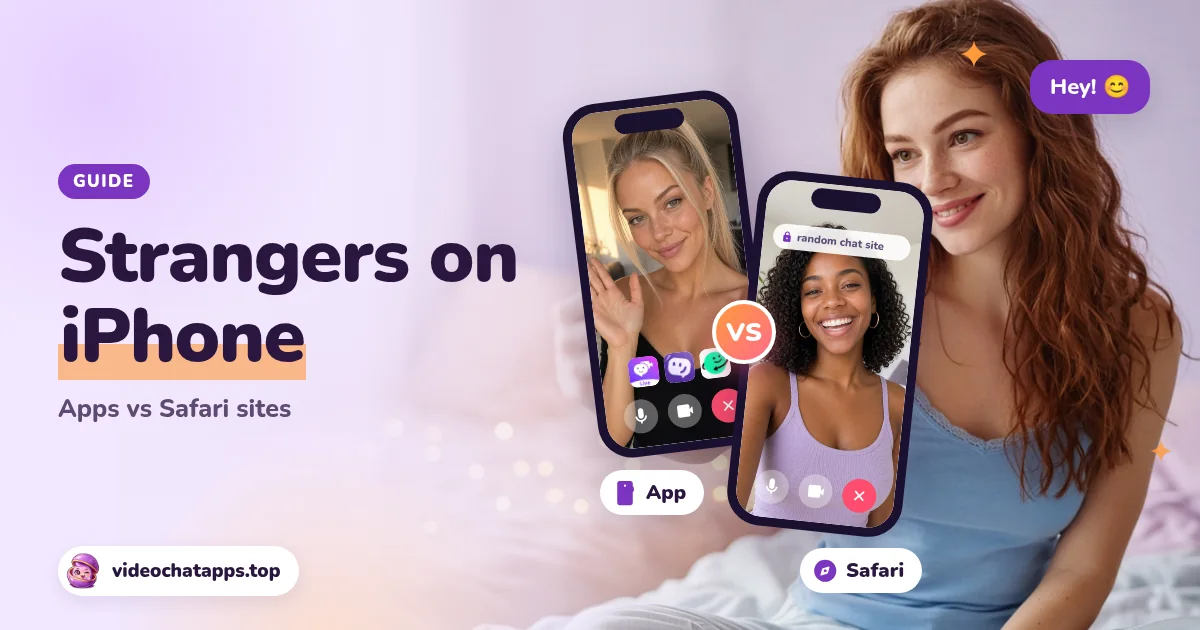
This page compares installed iPhone apps with Safari-based sites for meeting new people. For a store-listing roundup of iPhone apps, use best video chat apps for iPhone.
The right route depends on whether you want random matching, a social profile to browse, or a group conversation.
Native iPhone app: Download through the App Store, check the publisher, grant permissions and review any in-app purchases. This can be convenient if you chat frequently and prefer a dedicated interface.
Safari-based video chat: Open the provider's official website, approve camera and microphone access when prompted, and join in the browser. This avoids an additional app download but may not expose all mobile app features.
For a store-listing comparison, read our best iPhone video chat apps.
| Conversation you want | Services to examine | Why this format fits |
|---|---|---|
| Rapid random matching | OmeTV, Chatrandom | Short stranger-to-stranger encounters |
| International video discovery | Azar | Translation and broader discovery tools |
| More selective one-to-one chat | Kiss Live Chat | Profile-led browsing |
| Group conversation | Paltalk, LiveGo | Shared rooms and discussion prompts |
Avoid interpreting this table as a promise that every service has a native iOS app or that every web feature works identically on all iPhone models. Check each provider's current official entry point.
A browser-first service can be a good fit when you want to chat occasionally. Chatrandom describes guest access and free basic random chat, but advanced location and gender filters belong to Plus. OmeTV provides its own published conduct and moderation rules.
For both, ensure you have reached the official site before granting camera access. Safari may request permissions again if your website settings are configured to ask each time. An unsupported or restricted browser flow may direct you to another supported method.
Azar has an established mobile app offering international video conversations and features such as live translated subtitles. Its official listing notes that customized gender and region preferences are subscription features.
Translation is more than a novelty when both speakers have limited shared vocabulary. It can also be imperfect, especially for fast speech and colloquialisms. If a conversation matters, repeat important details plainly.
For a comparison with another random platform, see Azar vs OmeTV.
Not everyone enjoys repeatedly meeting a new stranger. Kiss Live Chat offers more profile-led discovery, while LiveGo emphasizes room-style social interaction. Review current iPhone and web access on their sites, and read the calling or purchasing prompts before you spend.
For someone who prefers a shared topic instead of a silent one-to-one opening, a room may be the easier place to start.
If you can open a site but cannot turn on your camera, check permissions before deciding the service is broken.
Apple also lets you configure permissions for individual Safari websites. For longer troubleshooting, see our camera not working guide.
A phone camera can accidentally reveal more than a desktop webcam: street signs, visible notifications, photos on your wall or other people in the room. Sit somewhere private, silence sensitive alerts and remember that your conversation partner might take a screenshot or record video.
Do not move to a payment site sent by a stranger. Use the App Store or the provider's verified billing flow for purchases. Check renewal terms before subscribing.
Choose an app if you expect to return frequently, need mobile-specific options or want the service's own notification system. Choose Safari for occasional sessions when the web experience is supported and you do not want another install. Neither is inherently safer; look at the provider's actual rules and privacy controls.
Yes, some video-chat providers have browser experiences. Check that the specific website supports Safari on your current iOS version.
The website may be blocked in Safari's camera permissions. FaceTime permissions and website permissions are separate.
Some offer free entry or basic matching. Many sell subscriptions, filters or in-app currency. Read the App Store listing and in-product price screen.
Not by default. A browser reduces installations, but permissions, data handling, moderation and other users' behavior still matter.
Bottom line: Decide on the social format first. Then choose Safari or a native app according to convenience, supported features and transparent costs—not whichever download button is biggest.
Video chat apps we feature.
WebiOS
Per the app: Video chat 1-on-1 on the web or with the iPhone app.

iOS
Per the app: iPhone party rooms: video chat plus question & challenge cards.

iOS
Per the app: iPhone video chat with real-time translation and moderation.
Featured = our editorial picks, shown first.How we pick